
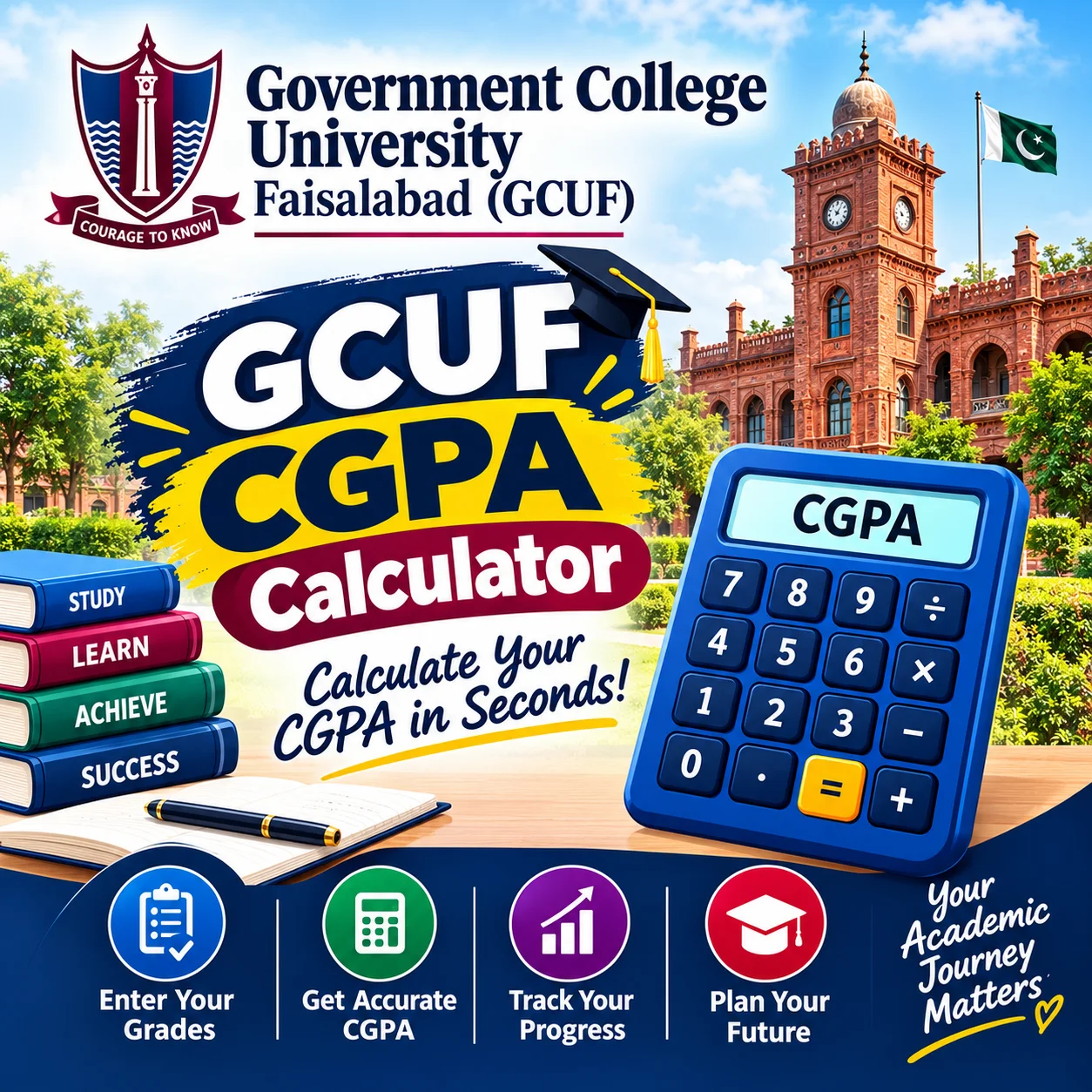
What Is the GCUF CGPA Calculator and Why Do Students Need It?
The GCUF CGPA Calculator is a free online tool that helps Government College University Faisalabad students estimate their Cumulative Grade Point Average based on their semester grades and credit hours.
It helps undergraduate and graduate students at GCUF quickly check their academic standing without doing manual math every semester.
Students search for this tool mainly because Pakistani university grading systems can feel confusing at first. Between credit hours, grade points, and semester weightage, a small calculation mistake can lead to real stress — especially before scholarship applications, merit lists, or job applications that ask for your official CGPA.
This guide explains how CGPA works at GCUF, how the calculator functions, and how to use it correctly so you always have an accurate estimate in hand.
Who This Tool Is Built For
This calculator is designed for BS, MPhil, and PhD students enrolled at GCUF under the semester system.
It works for students who already have their semester result cards (or grade sheets) and want a fast, reliable way to track their academic progress across semesters.
What Is CGPA and How Is It Different From GPA?
CGPA stands for Cumulative Grade Point Average. It reflects your overall academic performance across all completed semesters, not just one.
GPA, on the other hand, only measures your performance in a single semester. Understanding this difference is the first step to using the calculator correctly.
GPA (Grade Point Average)
GPA is calculated at the end of each semester using the grades you earned in that semester's courses.
It resets with every new semester and does not carry forward previous results on its own.
CGPA (Cumulative Grade Point Average)
CGPA combines all your semester GPAs, weighted by the credit hours of each semester, into one overall score.
This is the number that typically appears on your final degree transcript and is used for merit calculations, scholarship eligibility, and job applications.
Why the Difference Matters
A student can have a strong GPA in one semester but a lower CGPA overall if earlier semesters were weaker. This is exactly why many GCUF students track both numbers separately.
Knowing this distinction helps you set realistic academic goals instead of comparing an incomplete picture.
How Does the CGPA System Work at GCUF?
GCUF, like most Pakistani universities operating under the HEC (Higher Education Commission) semester system, uses a credit-hour-based grading structure.
Each course carries a specific number of credit hours, and each grade you earn (A, B+, B, C, D, F, etc.) corresponds to a grade point value, commonly on a 4.0 scale.
The Basic CGPA Formula
The standard formula used across most semester-based universities is:
CGPA = (Sum of [Grade Point × Credit Hours] for all completed courses) ÷ (Total Credit Hours completed)
This formula does not change from semester to semester — it simply expands as you complete more courses.
Grade Point Scale Used
Most Pakistani universities, including HEC-regulated institutions, follow a 4.0 grading scale where letter grades map to specific point values (for example, A = 4.0, B+ = 3.5, and so on).
Why Credit Hours Matter So Much
A 3-credit-hour course affects your CGPA more than a 1-credit-hour course, even if both have the same grade.
This is one of the most misunderstood parts of the system, and it's exactly what a good calculator accounts for automatically.
Eligibility and Requirements to Use This Calculator Accurately
You don't need any special permission to use the calculator, but you do need accurate input data to get a reliable result.
You Must Have:
- Your official semester result card or transcript from GCUF
- The credit hours listed for each course you completed
- The letter grade or grade point earned in each course
- Your previous cumulative CGPA (if calculating a new semester's impact)
You May Get Inaccurate Results If:
- You guess grades or credit hours instead of checking your official result card
- You use an outdated grading scale from a different program or university
- You mix up semester GPA with cumulative CGPA during data entry
- You forget to include a repeated or improvement course, where GCUF's specific repeat-course policy may apply
How Does the GCUF CGPA Calculator Work?
The calculator works by applying the same weighted-average formula your university's examination department uses, so you don't have to calculate it manually with a pen and paper.
Instead of guessing your CGPA or waiting for the official result to appear on the portal, you get an instant, accurate estimate.
Step-by-Step Calculation Logic
- You enter each course's credit hours
- You enter the grade (or grade point) earned in that course
- The calculator multiplies grade point × credit hours for each course
- It sums these values and divides by total credit hours
- The result is displayed as your semester GPA or cumulative CGPA
Semester GPA vs Cumulative CGPA Calculation
| Calculation Type | What It Includes | Best Used For |
|---|---|---|
| Semester GPA | Only the current semester's courses | Checking one semester's performance |
| Cumulative CGPA | All completed semesters combined | Scholarship eligibility, transcripts, job applications |
How to Use This Calculator
Using the GCUF CGPA Calculator only takes a few minutes if you have your result card ready. Follow these steps:
- Open the calculator tool below and select whether you want semester GPA or cumulative CGPA.
- Enter your current CGPA and total completed credit hours (skip this if it's your very first semester).
- Add each course from your current semester, including its credit hours and the grade or grade point you received.
- Repeat this for every course in that semester's result card.
- Click "Calculate" to instantly see your semester GPA and your updated cumulative CGPA.
- Cross-check the result against your official GCUF result card or student portal once it's issued.
Here is the calculator:
A Real-Life Example
Imagine a GCUF BS student who completed their first two semesters with a combined 30 credit hours and a CGPA of 3.40.
In semester three, they take 15 credit hours and earn grades averaging a 3.20 GPA. Entering both sets of numbers into the calculator instantly shows how the new semester pulls the cumulative average slightly up or down — something that's hard to picture accurately by mental math alone.
Read More: Quality Credit Average (QCA) Calculator: A Simple Guide to Understanding Your Academic Standing
Common Mistakes Students Make When Calculating CGPA
Even careful students make small errors that throw off their entire calculation. Here are the most frequent ones.
Mistake 1: Confusing Percentage With Grade Points
Some students try to enter their marks percentage directly instead of converting it to a grade point first, which produces an incorrect result.
Always use the grade point scale approved by GCUF, not a raw percentage score.
Mistake 2: Forgetting Withdrawn or Repeated Courses
Withdrawn (W) courses and repeated courses are often treated differently in official CGPA calculations.
Leaving these out — or including them incorrectly — is one of the biggest reasons students see a mismatch between their manual calculation and their official transcript.
Mistake 3: Using an Old or Wrong Credit Hour Value
Credit hours can vary by course and even by catalog year. Always double-check the credit hours listed on your actual course outline or transcript, not from memory.
Mistake 4: Mixing Up Semester GPA With Cumulative CGPA
This is extremely common. A student sees their "3.6" for one semester and assumes that's their overall CGPA, when in reality their cumulative average across all semesters may be different.
Tips for Getting Accurate and Useful Results
A calculator is only as good as the data you put into it. These tips help you avoid confusion and use the tool more effectively.
Keep Your Result Cards Organized
Save a digital or physical copy of every semester's official result card as soon as it's issued, so you always have accurate source data for future calculations.
Recalculate After Every Semester
Update your CGPA estimate after each semester rather than waiting until graduation. This helps you spot trends early and adjust your study effort if needed.
Understand Your Program's Minimum CGPA Requirement
Many scholarships, HEC programs, and job applications require a minimum CGPA threshold.
Always Confirm With Official Records
Treat the calculator's result as a reliable estimate, not a legally official document. Your official CGPA is the one issued by GCUF's examination department on your transcript.
Frequently Asked Questions
Is the GCUF CGPA Calculator an official university tool?
No, this calculator is an independent educational tool designed to help students estimate their GPA and CGPA using the standard weighted-average formula. Your official CGPA is always the one issued by GCUF's examination department on your transcript or student portal.
Can this calculator predict my final degree CGPA?
It can give you a close estimate based on the data you enter, but it cannot guarantee accuracy for future semesters since grades depend on your actual academic performance. Use it as a planning tool, not a final result.
What grading scale does GCUF use?
GCUF follows the semester system used by most HEC-regulated universities in Pakistan, typically based on a 4.0 grade point scale.
Does a low semester GPA permanently damage my CGPA?
A single low semester can lower your cumulative CGPA, but its overall impact depends on how many total credit hours you've completed. Strong performance in later semesters can help improve your CGPA over time, though outcomes vary by individual academic history.
Where can I get my official CGPA if I don't trust my manual calculation?
Your official CGPA is available on your result card or through GCUF's student portal or examination department. Always treat that as the authoritative source over any independent calculator.
Final Thoughts: Use This Tool as a Guide, Not a Guarantee
Tracking your CGPA doesn't need to be stressful once you understand how the formula actually works. The GCUF CGPA Calculator simply takes the manual math out of the process so you can focus on your studies instead of spreadsheets.
Check the official requirements and use the calculator above to estimate your current standing, and always confirm your final CGPA through GCUF's official examination records.
Reviewed by: Ashes Jhon
Reviewed for accuracy by an education content specialist focused on scholarship and academic guidance resources.
Last Updated: September 2026
Disclaimer: Information provided in this article is for educational purposes only and should be verified with Government College University Faisalabad's official examination department before making academic or financial decisions.
Disclosure: This website may earn revenue through advertising or affiliate partnerships. This does not influence our recommendations




0 Comments